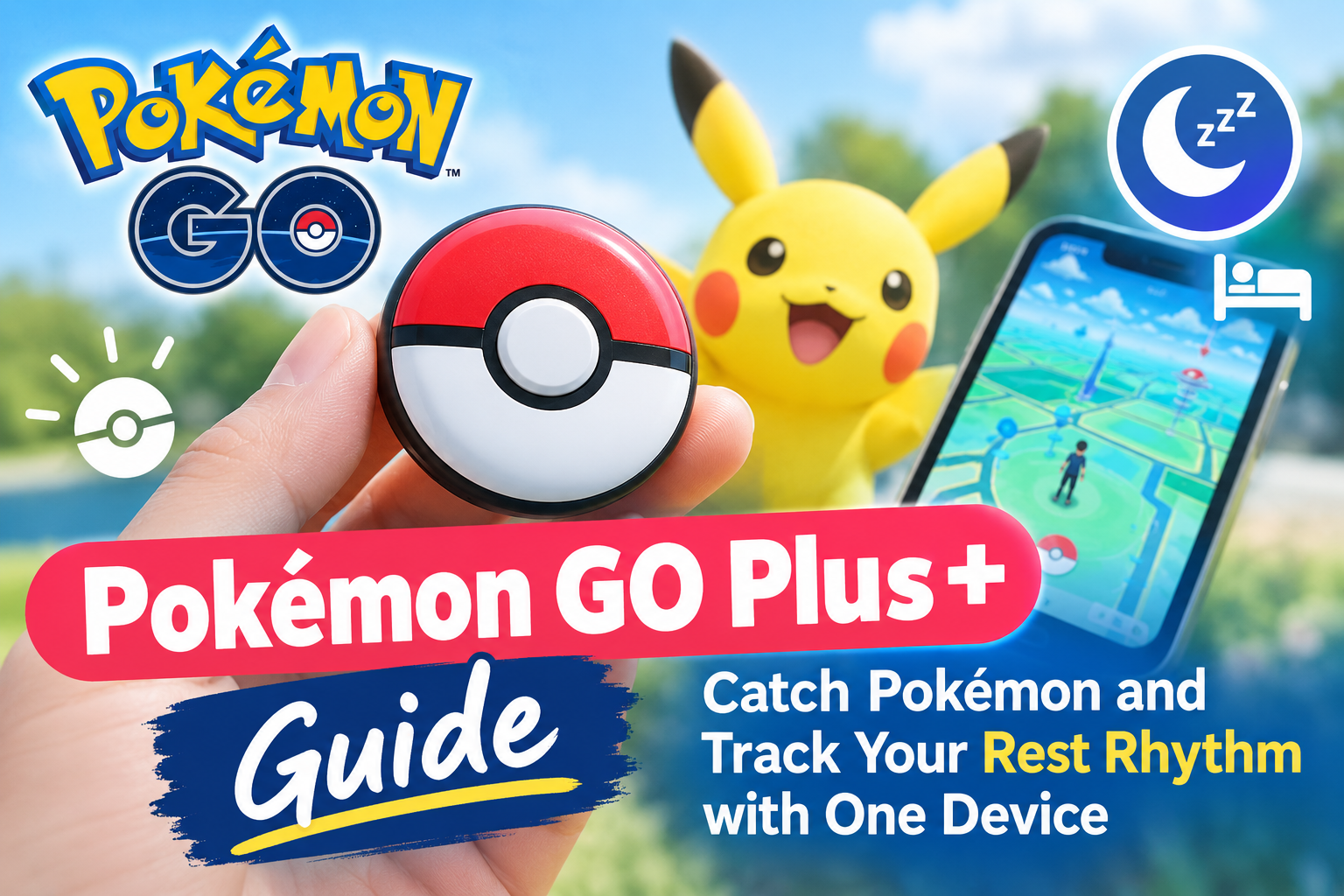
Getting the most out of Pokémon GO shouldn’t mean staring at your phone for hours. The Pokémon GO Plus and its successor, the Pokémon GO Plus+, let you play Pokémon hands-free while walking, commuting, or even sleeping. This guide covers everything you need to know before you purchase either accessory.
- Overview: What Is Pokémon GO Plus / Plus+ and Why Use It?
- System Requirements and Smart Device Compatibility
- Core Features in Pokémon GO: Hands‑Free Play Pokémon and Item Collection
- Pokémon Sleep Integration: Rest Rhythm Tracking with Pokémon GO Plus+
- Setup, Pairing, and Using One Device Across Multiple Phones
- Hardware Details, Battery, Durability, and Safe Use
- Buying Pokémon GO Plus / Plus+ from Discovery Japan Mall and Availability in Other Countries
- Troubleshooting, Tips, and Frequently Asked Questions
Overview: What Is Pokémon GO Plus / Plus+ and Why Use It?
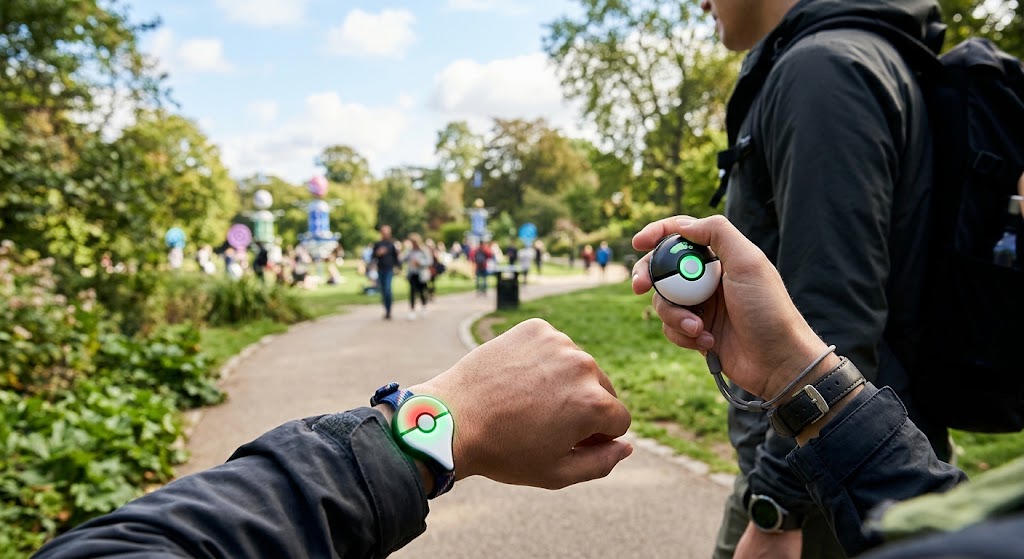
The original Pokémon GO Plus is a wearable Bluetooth accessory for Pokémon GO, released in 2016. It connects to your smartphone and handles basic in-game interactions through LED lights and vibrations, so you can catch Pokémon and spin PokéStops without constantly looking at your smart device. The device allows passive gameplay without looking at a smartphone screen, which improves both safety and convenience while you play Pokémon GO outdoors.
The Pokémon GO Plus+ arrived globally in July 2023 as a new device that retains all original functionality while adding Pokémon Sleep integration. Pokémon GO Plus+ uses Bluetooth Low Energy technology to connect Pokémon GO and the Pokémon Sleep app simultaneously, making it the first accessory in the lineup to support rest rhythm tracking. Using these devices reduces smartphone screen time while playing, which is a major advantage for active trainers.
If stock is limited in your region, Discovery Japan Mall is a reliable source for importing genuine units to other countries where availability can be unpredictable.
| Feature | Pokémon GO Plus (2016) | Pokémon GO Plus+ (2023) |
|---|---|---|
| Launch price | ~$34.99 | $54.99 (regular price) |
| Battery | Replaceable CR2032 | Built-in rechargeable (USB-C) |
| Pokémon Sleep support | No | Yes |
| Auto ball throw | Manual button press only | Can throw Poké Balls automatically |
| Note that the Pokémon GO Plus+ is currently unavailable for purchase in many regions, driving demand through importers. |
System Requirements and Smart Device Compatibility
Before purchasing Pokémon GO Plus or Plus+, confirming your operating system meets minimum requirements saves frustration. The accessory requires a compatible smart device to function-it cannot operate standalone.
- Android: Version 8.0 or later (64-bit, 2 GB+ RAM recommended)
- iOS: Version 13 or later for Plus+; iPhone 6s or newer
- Beta OS versions may cause unreliable connections
- Both Pokémon GO and the Pokémon Sleep app must be installed and logged in on the same account for Plus+ features to work
- Only one Pokémon GO Plus device can pair with one smartphone at a time; multiple Go Plus devices cannot connect to a single phone simultaneously
- Pokémon GO Plus+ cannot be used with Nintendo Switch systems
| Platform | Minimum Version |
|---|---|
| iOS | iOS 13+ (Plus+) / iOS 12+ (original) |
| Android | Android 8.0+ (Plus+) / Android 6.0+ (original) |
Core Features in Pokémon GO: Hands‑Free Play Pokémon and Item Collection

Both Go Plus and Go Plus+ integrate with Pokémon GO to automate parts of gameplay while you walk. This hands free gameplay approach means your phone can stay in your pocket while the accessory handles encounters and item collection.
- Spin PokéStops and Gyms: When in range, the device flashes blue and vibrates. A single button press collects items. The device can automatically spin PokéStops to collect items even when your phone screen is off.
- Catch Pokémon: LED lights and vibrations notify users of in-game events. A green light means a previously caught species; yellow signals a first encounter. Press the central button to attempt a catch with a Poké Ball. A rainbow LED flashes on success.
- Auto catch with Plus+: You can catch Pokémon without pressing a button using Pokémon GO Plus+. It can automatically throw Great Balls and Ultra Balls, increasing efficiency for frequent players who want to catch more Pokémon per session.
- Walking distance: The device tracks walking distance for egg hatching and earning Buddy Candy, so every step counts toward your go experience.
- Special Research access: Linking Pokémon GO Plus+ allows access to special research tasks and upcoming gameplay features within the app.
- Battery management tip: Disable auto catch or auto-PokéStop in your Pokémon GO settings when your Poké Ball supply runs low or you want to conserve battery life.
Pokémon Sleep Integration: Rest Rhythm Tracking with Pokémon GO Plus+
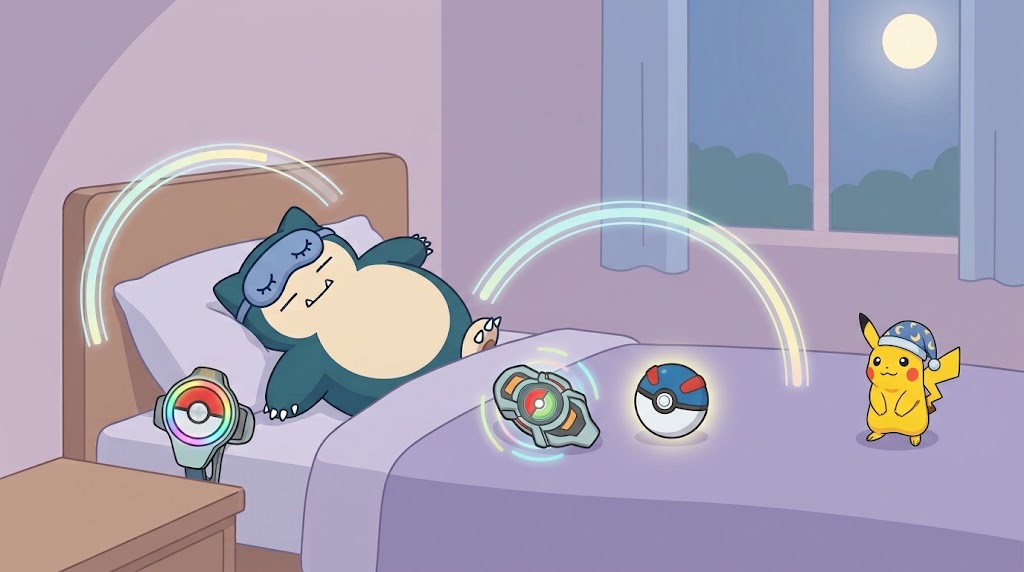
The Pokémon Sleep app, released in 2023, gamifies healthy sleep habits. Pokémon GO Plus+ is the officially supported accessory, connecting via Bluetooth to initiate sleep tracking sessions.
How to start tracking:
- Place the device near your pillow using the included clip or strap
- Press and hold the main button to track sleep with Pokémon Sleep-the light glows blue when ready
- The device tracks sleep based on lack of movement throughout the night; Pokémon GO Plus+ measures sleep based on lack of movement, not medical-grade sensors
- Upon wake, press the button again to end the session and sync sleep data to your phone
Pikachu’s role:
- Pikachu acts as a morning alarm and sings you lullabies at bedtime
- As you log consistent sessions, Pikachu grows friendlier and unlocks even more sounds and new voice lines
Rewards you can earn:
- Nightcap Pikachu and Snorlax wearing special sleep styles appear in your Sleep Style Dex
- Consistent tracking yields items like Poké Biscuits and premium currency-you can earn up to 500 diamonds from sleep data tracking
- Sleep sessions must exceed 90 minutes to count, and the day resets at 4:00 a.m.
Privacy note: No sound is recorded by the device itself. All data is processed on your smart device apps locally. Sleep measurement is an estimate, not a medical diagnosis.
Setup, Pairing, and Using One Device Across Multiple Phones
Pairing is done from within Pokémon GO or Pokémon Sleep settings, not from your phone’s Bluetooth menu alone. The process takes under two minutes for most family systems.
- Enable Bluetooth on your Android or iOS phone
- Open Pokémon GO → Settings → Connected Devices
- Press the button on your Go Plus or Plus+ until the light flashes white
- Select the accessory from the list and confirm the pair
- For Pokémon Sleep, repeat from within that app’s device settings to link your Plus+
Moving between phones:
- One device connects to one smartphone at a time; unpair from the current phone before you connect to another compatible smart device
- If someone else accidentally pairs your device, have them unpair from both their Bluetooth settings and the app, then re-pair to your own phone
Other accessories: Connecting earphones or a smartwatch via Bluetooth normally does not interfere with your Pokémon GO Plus+ connectivity.
Hardware Details, Battery, Durability, and Safe Use
Both devices feature a compact Poké Ball-style design with a central button, wristband or clip options, and a form factor light enough for everyday carry.
- Original GO Plus: Uses a replaceable CR2032 coin battery; estimated battery life up to 100 days under standard use
- GO Plus+: Built-in rechargeable lithium battery; Pokémon GO Plus+ battery lasts about a week with daily use (2–3 hours of Pokémon GO per day). Charging requires a USB Type-C cable and adapter (adapter sold separately)
- You can check battery level by pressing the top button; battery level is indicated by a small LED light (red = low, green = full)
- Enable silent mode by holding the top and main button simultaneously to mute alarm sounds, and the device will no longer vibrate
Durability warnings:
- Devices are not water-resistant or shock-proof-drops, water exposure, or disassembly can permanently damage them and are typically not covered by warranty information or replacement policies
- Do not use the device while operating a car or bicycle
- Follow local regulations on Bluetooth devices in airplanes and hospitals
- The device contains magnets that may interfere with pacemakers-consult your doctor if applicable
Buying Pokémon GO Plus / Plus+ from Discovery Japan Mall and Availability in Other Countries
Official stock can sell out quickly, especially in regions outside Japan. Players in other countries often turn to trusted importers like Discovery Japan Mall’s latest arrivals for reliable sourcing.
Discovery Japan Mall ships genuine Pokémon GO Plus and Pokémon GO Plus+ units from Japan internationally, with English product pages and clear package descriptions. You can also browse new watch arrivals from Japanese brands on the same platform. This is a practical option when purchasing Pokémon accessories from overseas.
Typical package contents:
- Device body, strap/clip, quick-start guide
- CR2032 battery (original) or USB-C cable (Plus+)
Before You Buy Checklist:
- Confirm your smartphone meets system requirements (OS version, RAM)
Troubleshooting, Tips, and Frequently Asked Questions
Common issues have straightforward fixes. Here are the questions trainers ask most often.
- Device not detected? Update your operating system, update the Pokémon GO app, and ensure Bluetooth is enabled with location permissions active. Keep the device within arm’s reach of your phone.
- Frequent disconnects? Low battery is the most common cause. Check battery level and charge or replace as needed. Restart both the app and the device.
- Too many notifications? Adjust in-app notification toggles to disable certain alerts (encounters or PokéStops) instead of switching off the whole device.
- Can it work without a smartphone? No-the accessory requires the Pokémon GO or Pokémon Sleep app running on a phone. It cannot function standalone.
- Does it record sound? No. Audio recording in Pokémon Sleep is optional and handled by the phone, not the device.
- Can I use multiple Go Plus devices on one phone? No. Only one device at a time per smart device.
- Optimization tips: Dim your phone screen while walking to conserve phone battery. Use auto catch for common species but switch to manual throws for rare Pokémon. Sync your Pokémon Sleep data regularly-ideally within 14 days-for accurate rest rhythm history.
Whether you want to play Pokémon GO without draining your phone or track your sleep alongside Snorlax, the Pokémon GO Plus+ packs both into a single compact game accessory. Start by confirming your phone meets the requirements, then explore importing options through Discovery Japan Mall if local stock is unavailable.


Comments